
Atomic Chat Integration
Complete integration guide for using Qorebit with Atomic Chat to access all supported AI models through a trusted open-source local chat interface.
How to integrate Qorebit on Atomic Chat
1. Sign-in and Top Up Credit
Sign-in to your Qorebit account: https://app.qorebit.ai/sign-in.
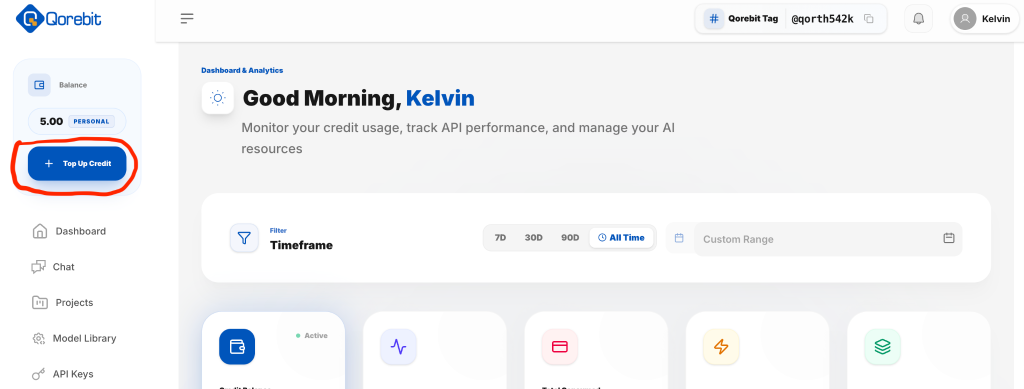
Click "Top Up Credit" to buy credits if you don’t have credit.
2. Access API Keys
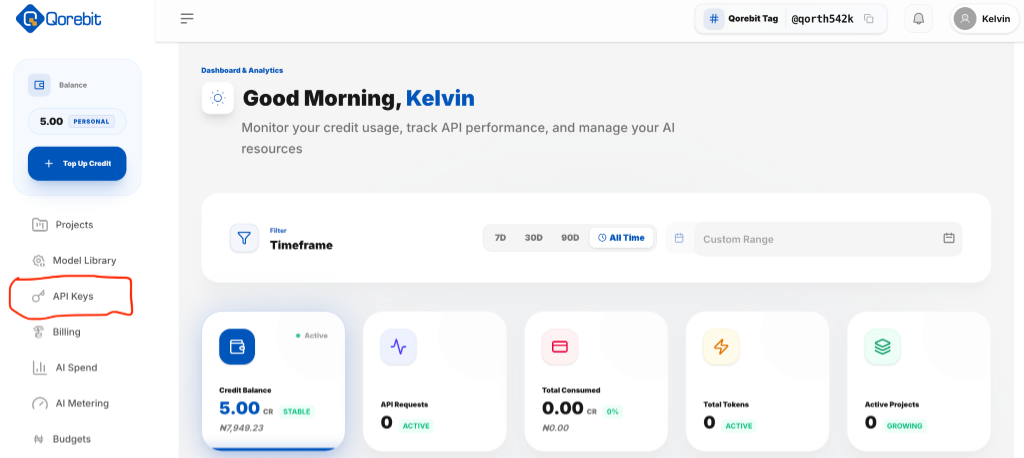
Click "API Keys" on the sidebar to navigate to the API keys management page.
3. Create an API Key
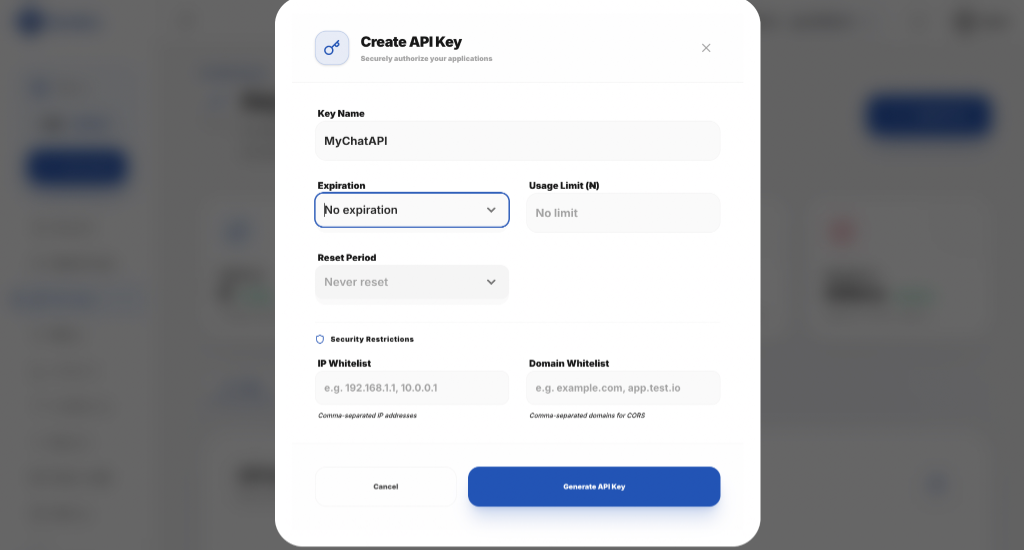
Click "Create API Key". Input a name for the key, then click "Generate API Key".
Copy and save the API key securely. Feel free to set an expiration if you wish. Optionally, you can specify allowed IP addresses or domains for more security.
4. Install Atomic Chat
Download and install Atomic Chat for your operating system from: https://atomic.chat/
Open the app and click "Skip" on the startup page.
5. Configure Model Provider
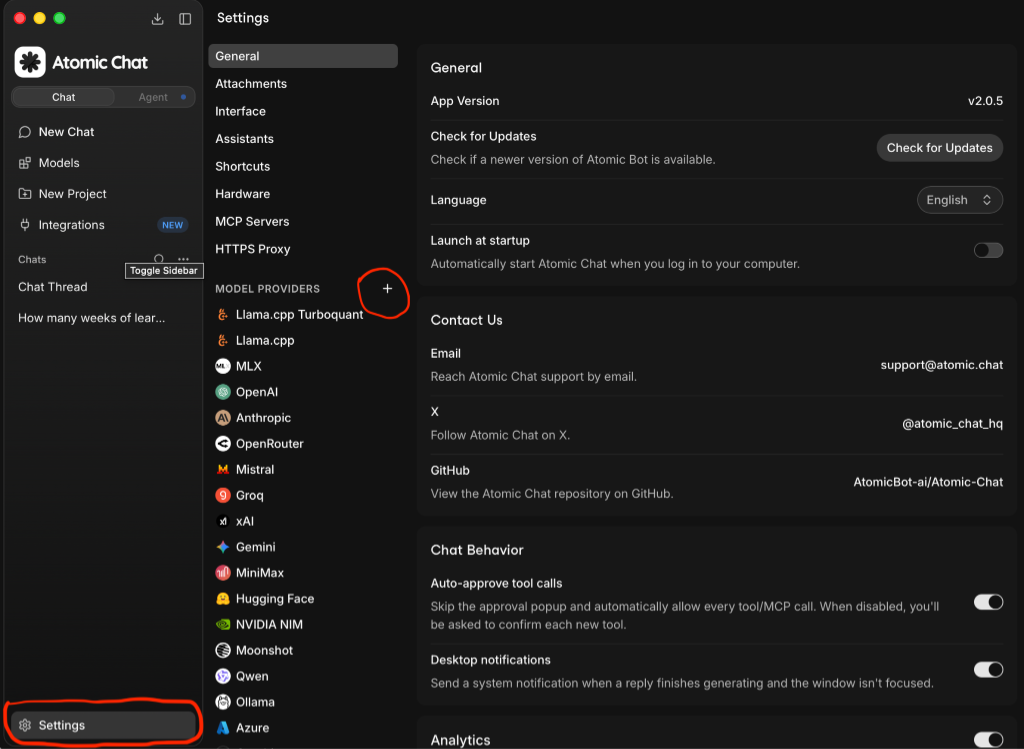
Click Settings at the bottom left. Then click the plus (+) symbol beside "MODEL PROVIDERS".
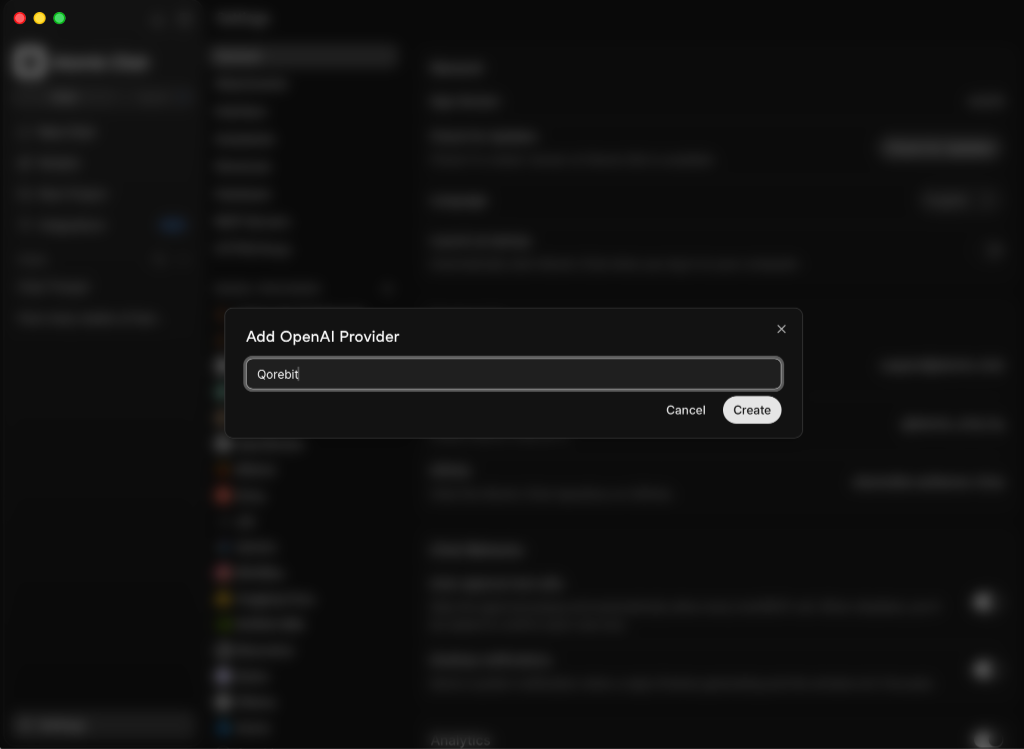
Input a name (e.g., "Qorebit") and click "Create" to create the integration.
6. Enter API Credentials
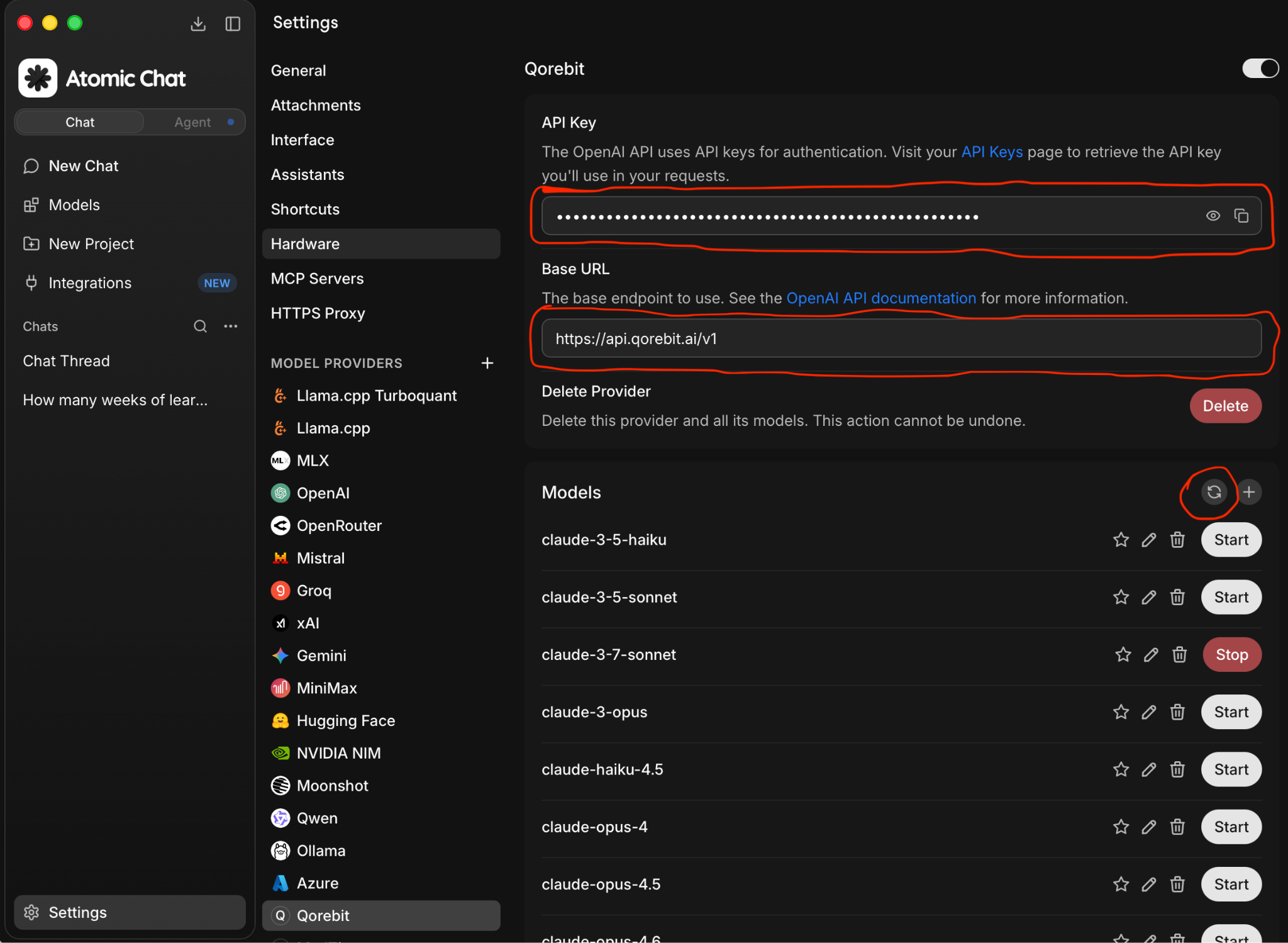
Paste the Qorebit API key from step 3 in the API Key field.
Paste this URL in the Base URL field:https://api.qorebit.ai/v1
7. Fetch Available Models
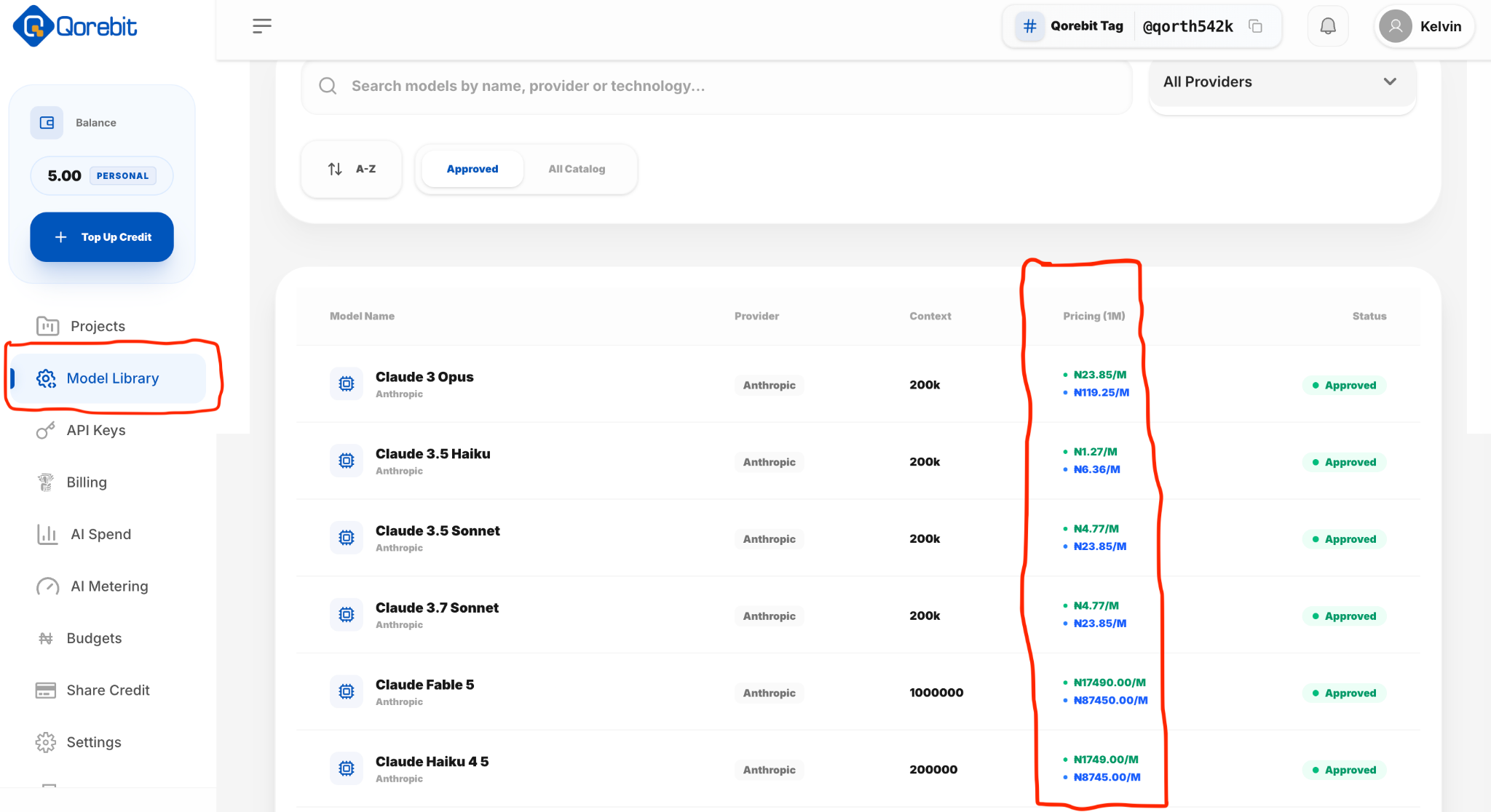
Click the refresh icon in the Models section below the base URL. You should see all models available on Qorebit.
8. Start Chatting
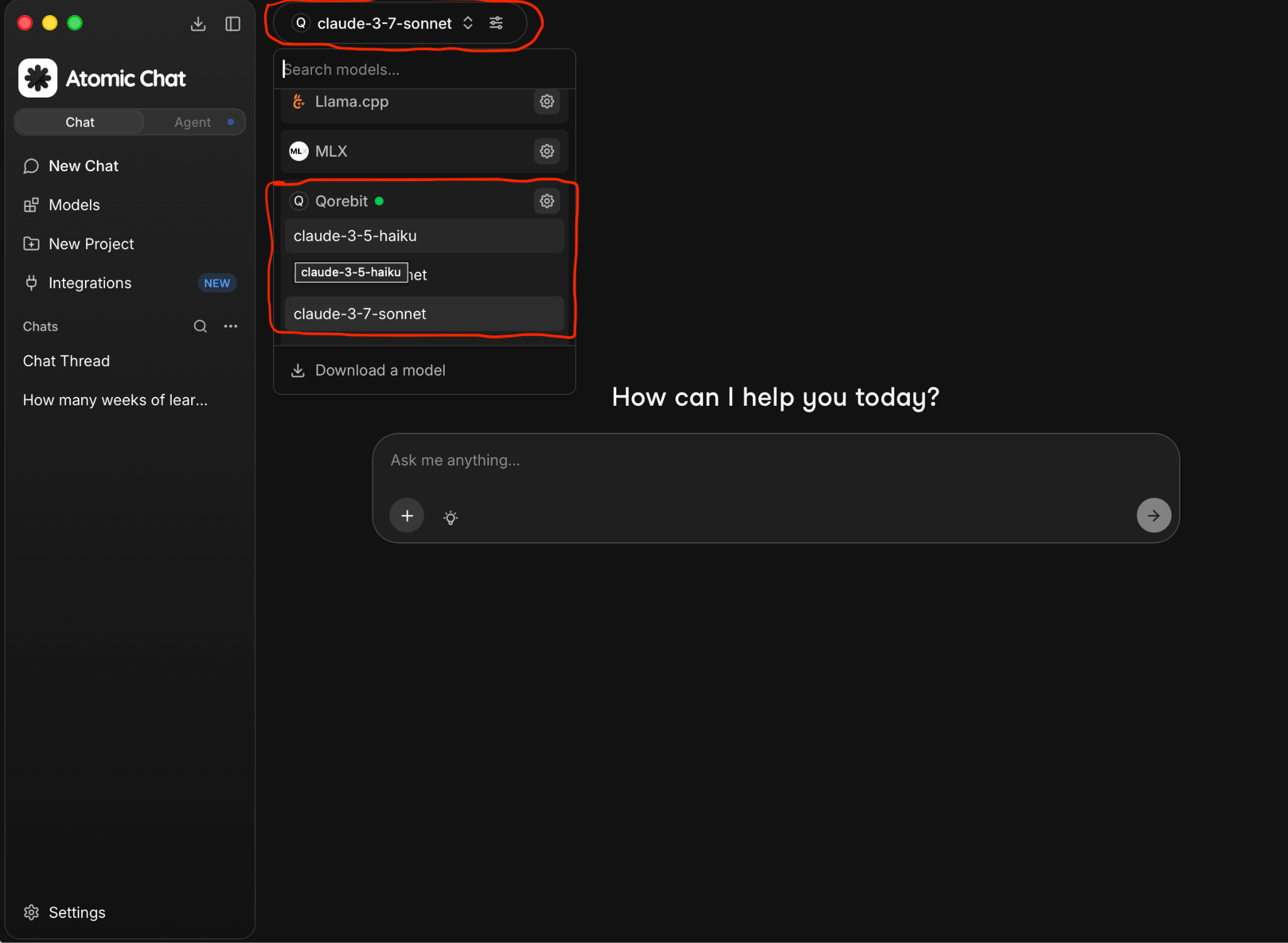
Go ahead and click on “New Chat”, then click on the model selection drop-down. Choose your preferred model from the list of models under Qorebit.